Templates

Kick-start your project with these free community built templates.

🌟
16 templates
New
Google SheetsExcel

SF Graham Number Calculator

sheetsfinancecalculatorvaluationfundamentals

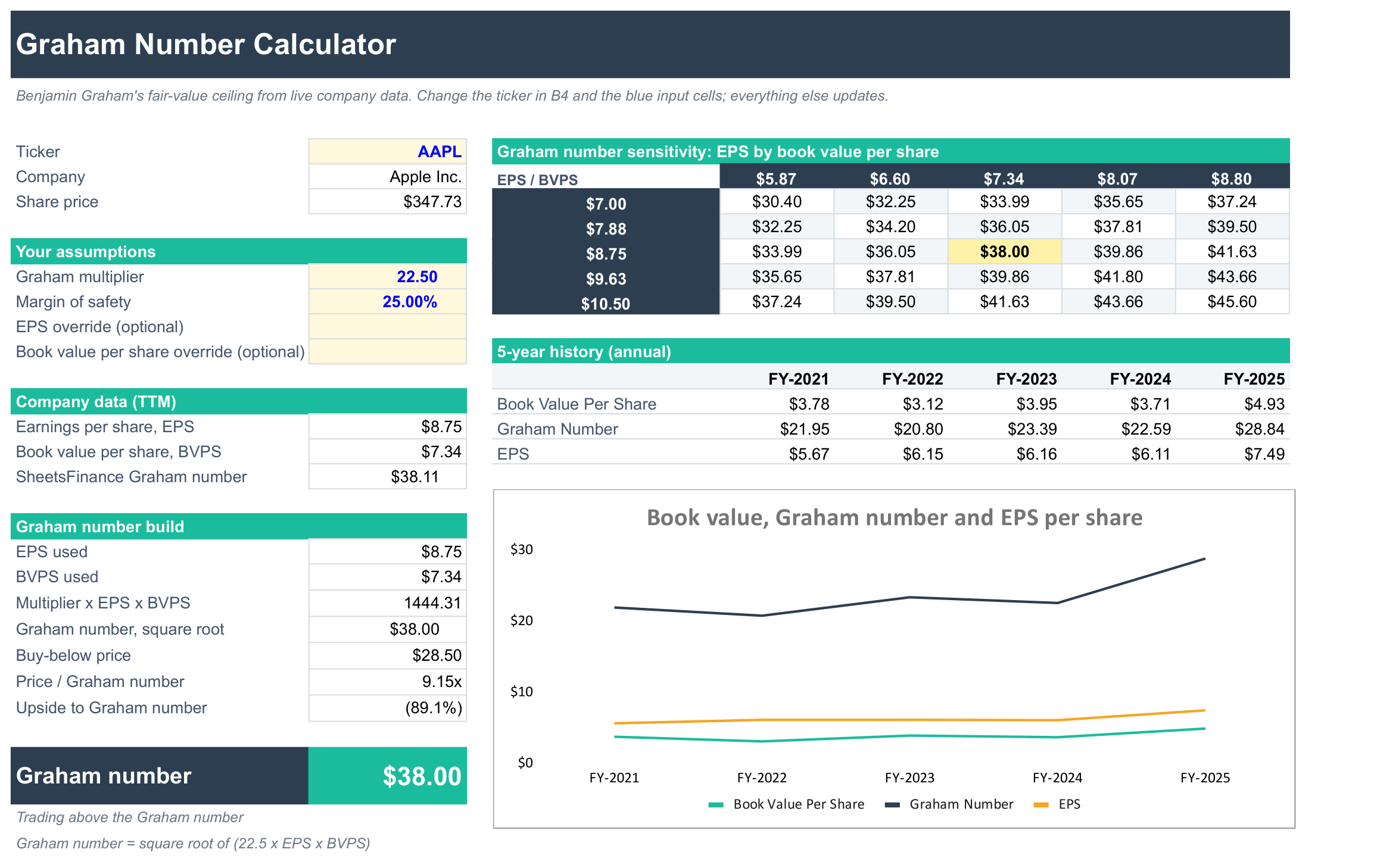
Calculate the Graham number for any company from live data and see how its share price compares. Enter a ticker in cell B4 and the template pulls trailing twelve-month earnings per share and book value per share, then works through Benjamin Graham's formula step by step: the square root of 22.5 x EPS x book value per share. You can change the multiplier, set a margin of safety for a buy-below price, or override EPS and book value with your own figures. SheetsFinance's pre-calculated Graham number sits alongside as a cross-check. A sensitivity grid shows how the Graham number moves with EPS and book value, and a 5-year history charts book value, EPS and the Graham number. Use it as a quick value screen for defensive investors.

SheetsFinance
New
Google SheetsExcel

SF WACC Calculator

sheetsfinancevaluationdcfwacc

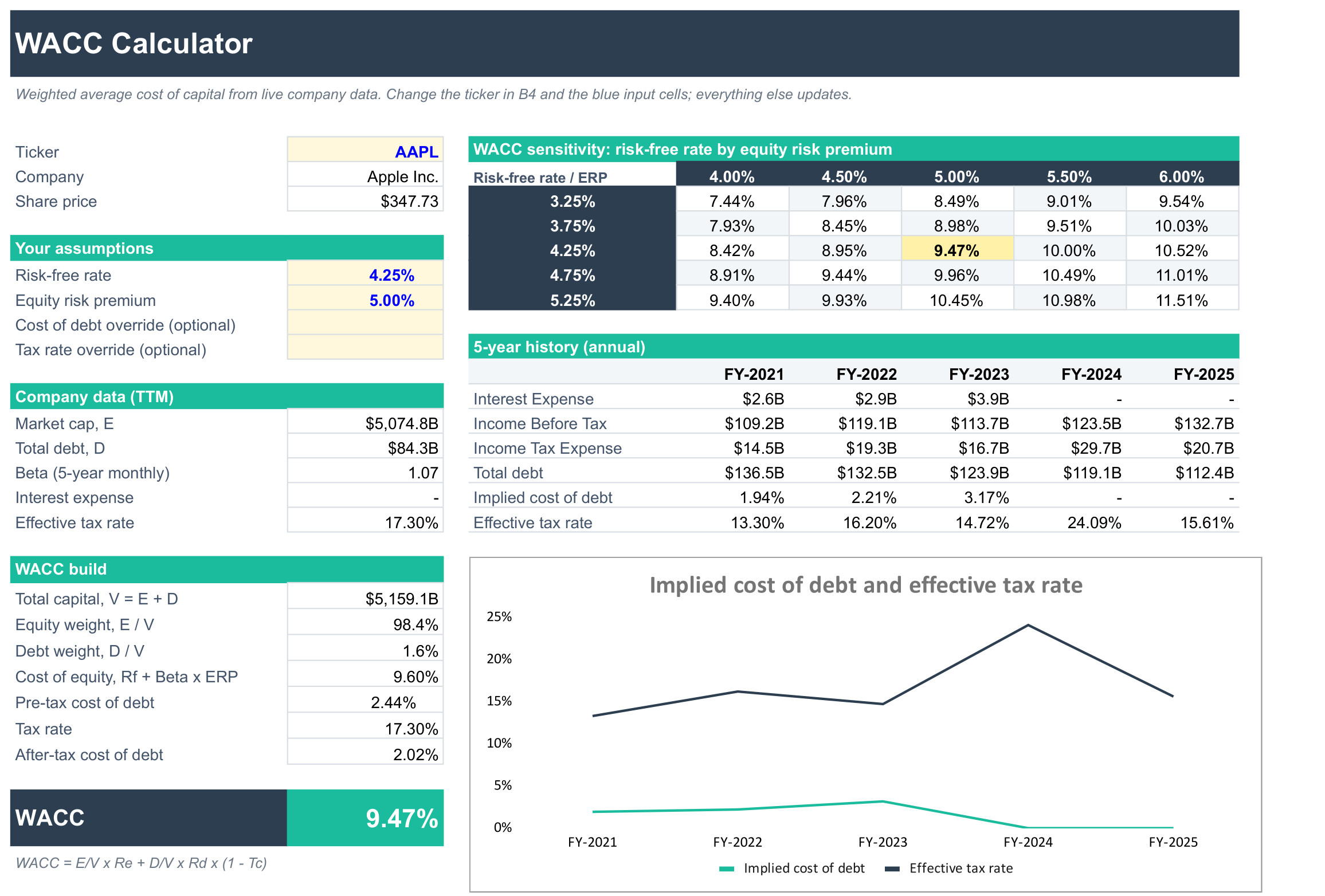
Calculate the weighted average cost of capital (WACC) for any company from live data. Enter a ticker in cell B4 and the template pulls market cap, total debt, beta, interest expense and the effective tax rate, then works out the cost of equity with CAPM, the after-tax cost of debt and the market-value weights of equity and debt. You set the risk-free rate and equity risk premium, and can override the cost of debt or tax rate with your own figures. A sensitivity grid shows how WACC moves with the risk-free rate and equity risk premium, and a 5-year history tracks the company's implied cost of debt and effective tax rate. Use the result as the discount rate in a DCF valuation.

SheetsFinance

122
Google SheetsExcel

SF Options Explore Dashboard

sheetsfinanceoptions

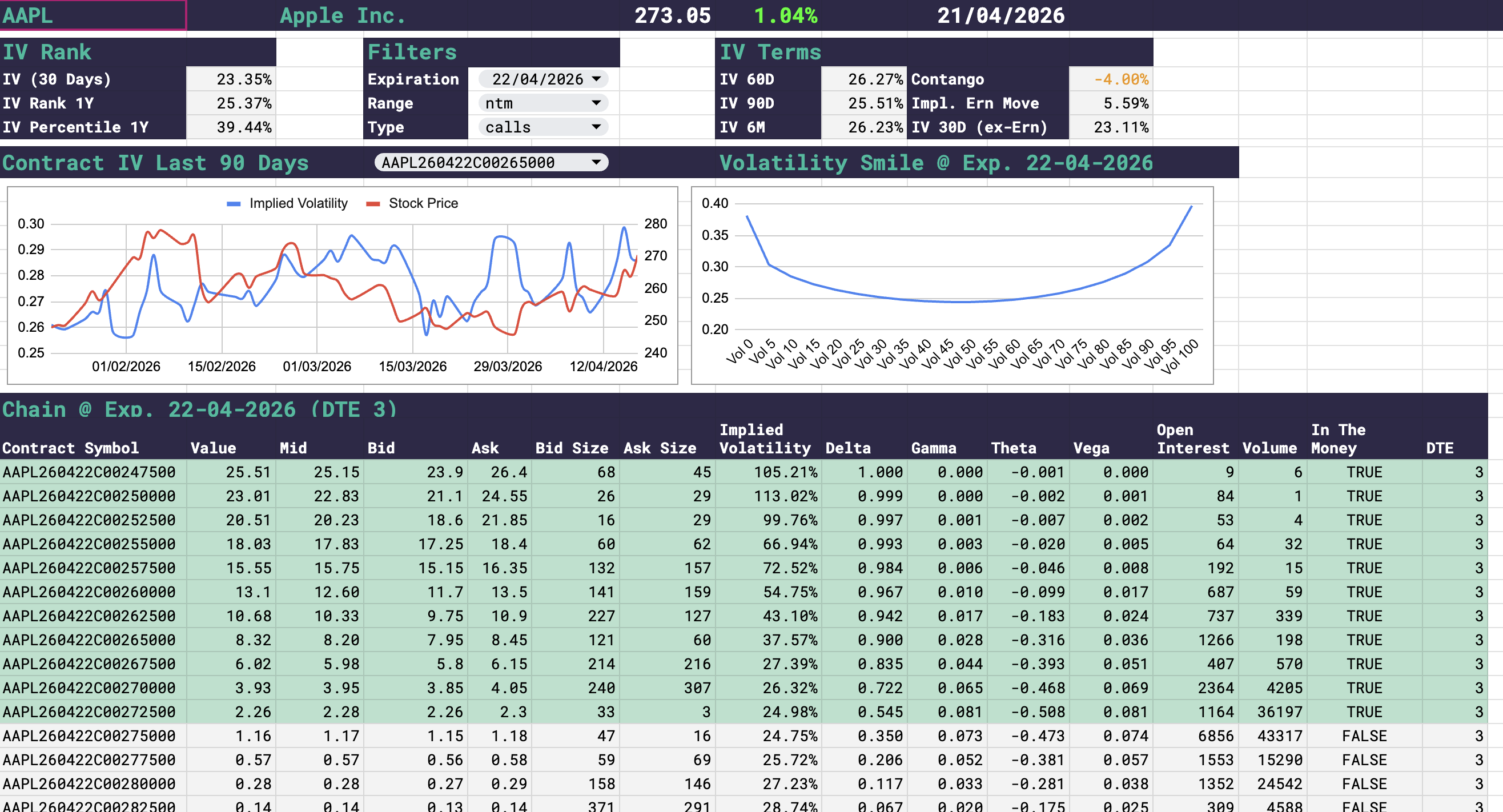
This template requires SheetsFinance Options, start a 15-day free trial from the pricing page prior to downloading. The SF Options Explore Dashboard provides a high level analysis of the Options position for a specific company. Adjust the company in cell A1, select the expiration date in the filters section along with a series of other controls. You can also select a specific contract from the returned chain to display on the time-series chart using the dropdown to the right of the chart title.

SheetsFinance

433
Google SheetsExcel

SF Historical Dividend Calculator Template

sheetsfinancecalculatorportfoliodividends

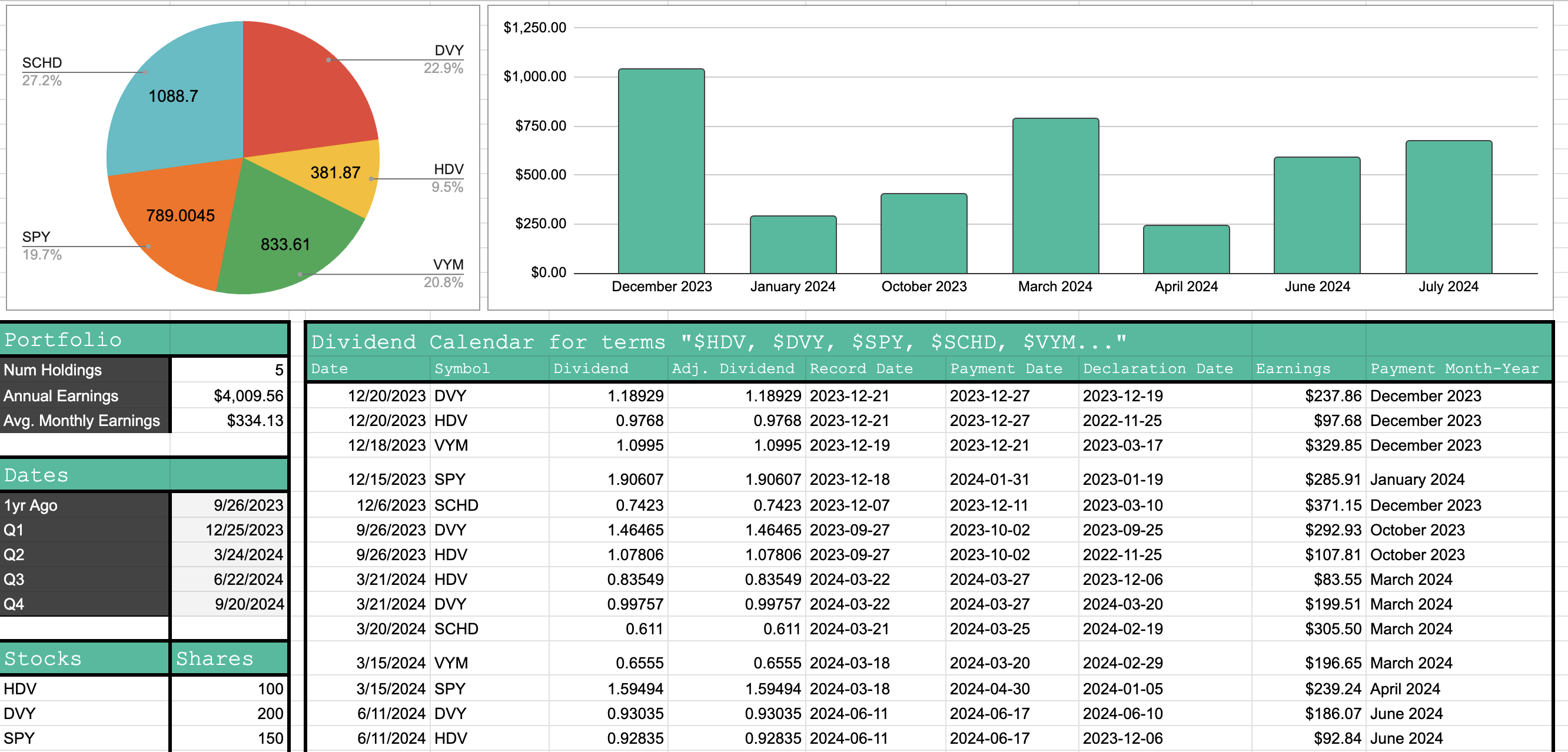
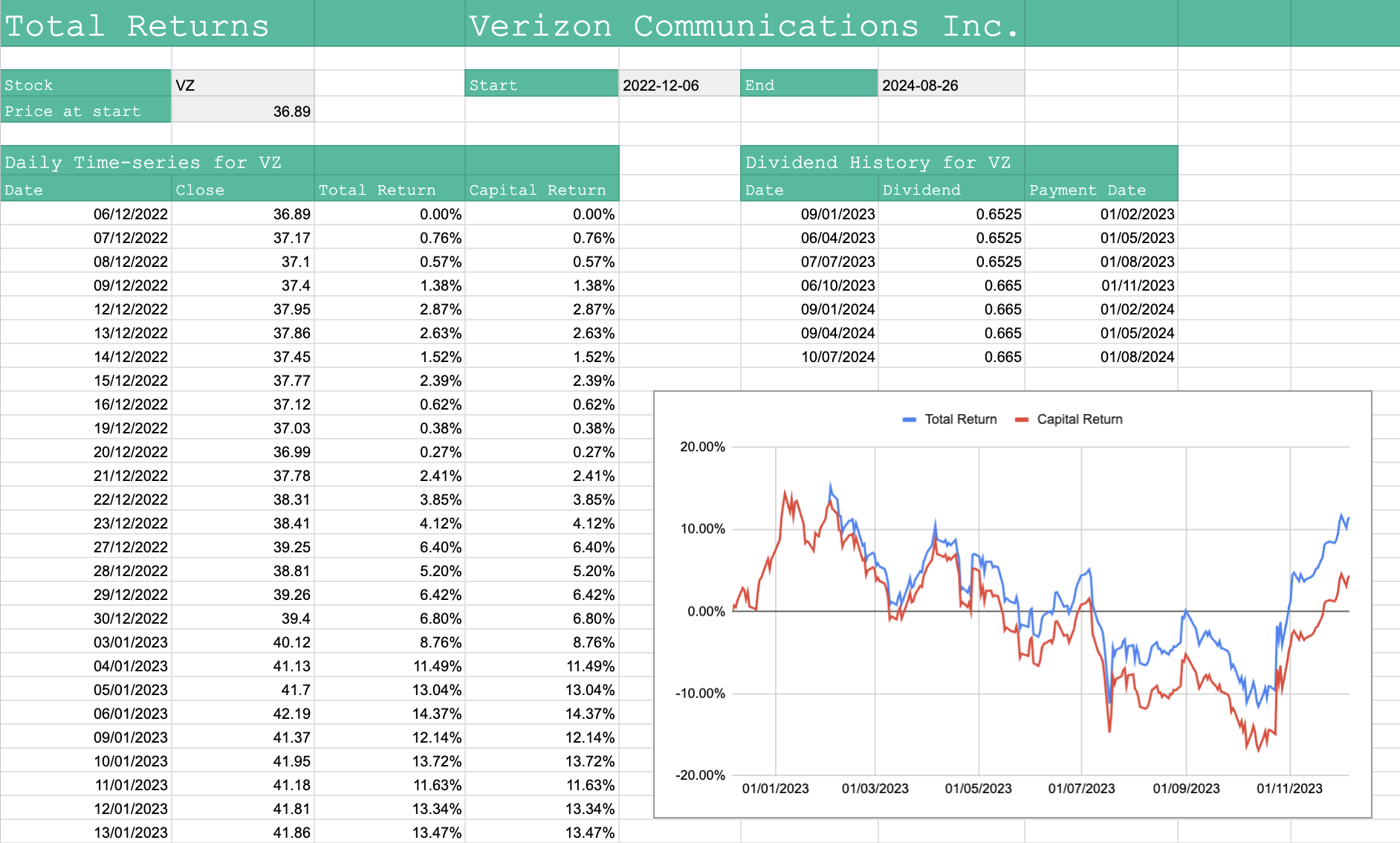
This template leverages the SF_CALENDAR() function to generate all dividends paid over the last year for a portfolio of stocks. To update the charts enter the stocks you want to track in column A starting at A27 and then the number of shares held per stock in column B starting at B27. The template will generate a historical dividend calendar for the stocks for the last year and calculate earnings over that time.

SheetsFinance

707
Google SheetsExcel

SF Sortable Watchlist Template

sheetsfinancewatchlist

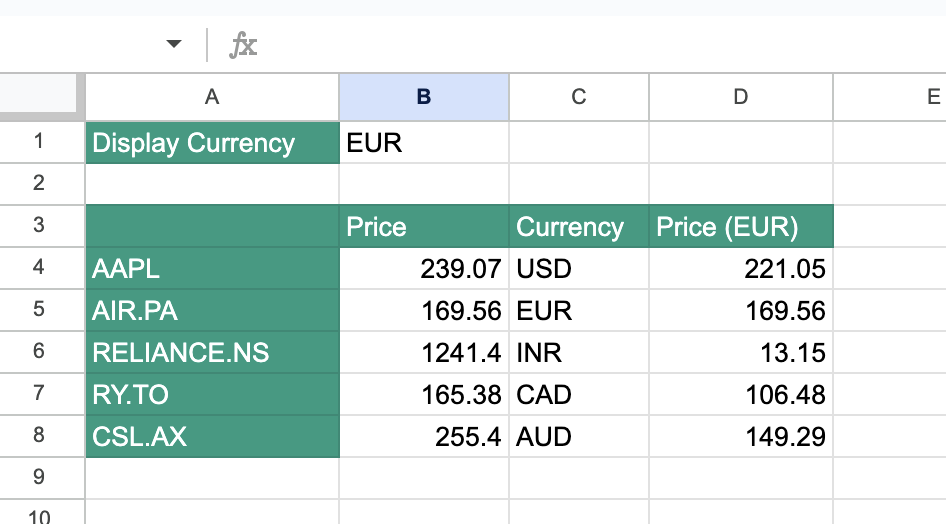
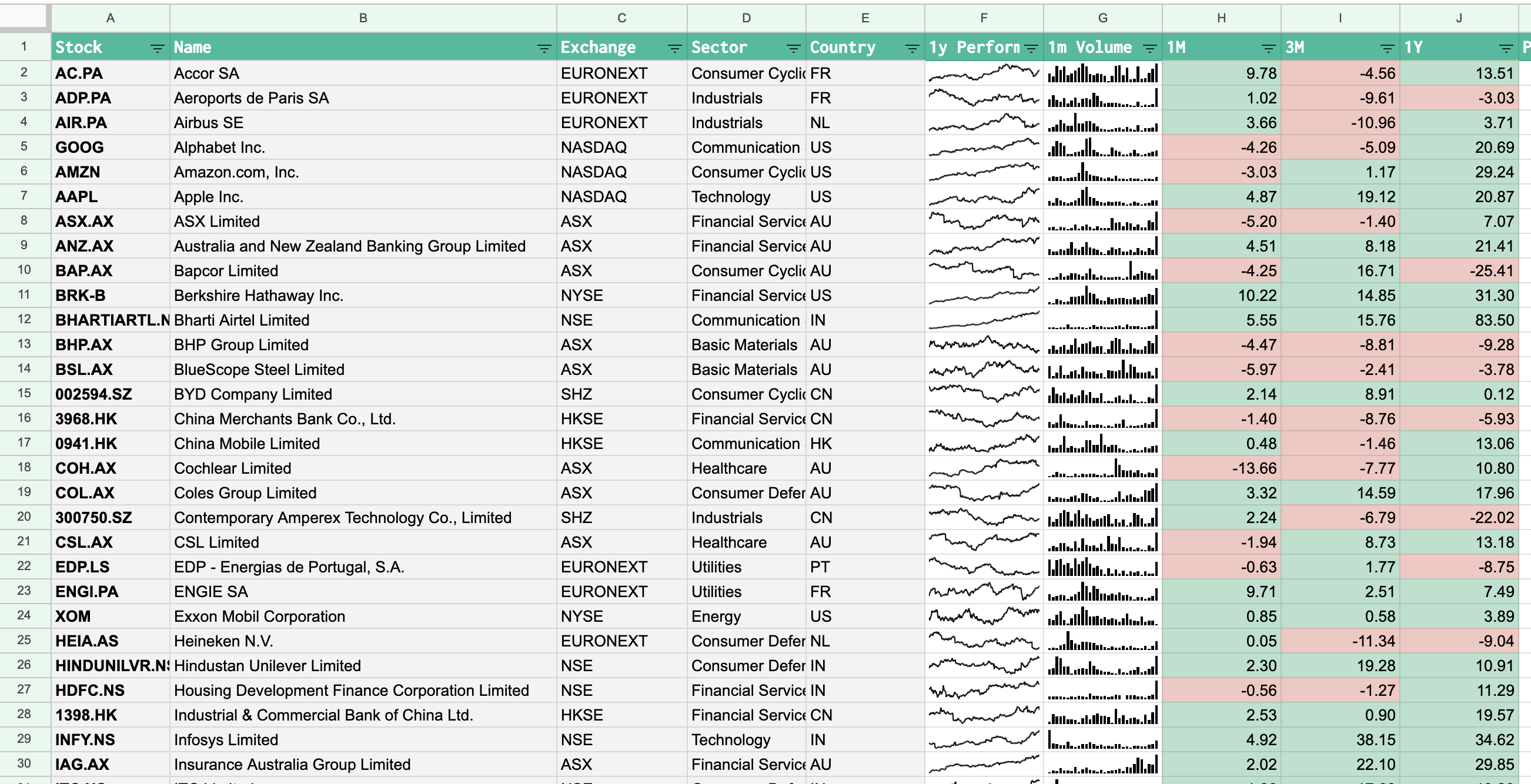
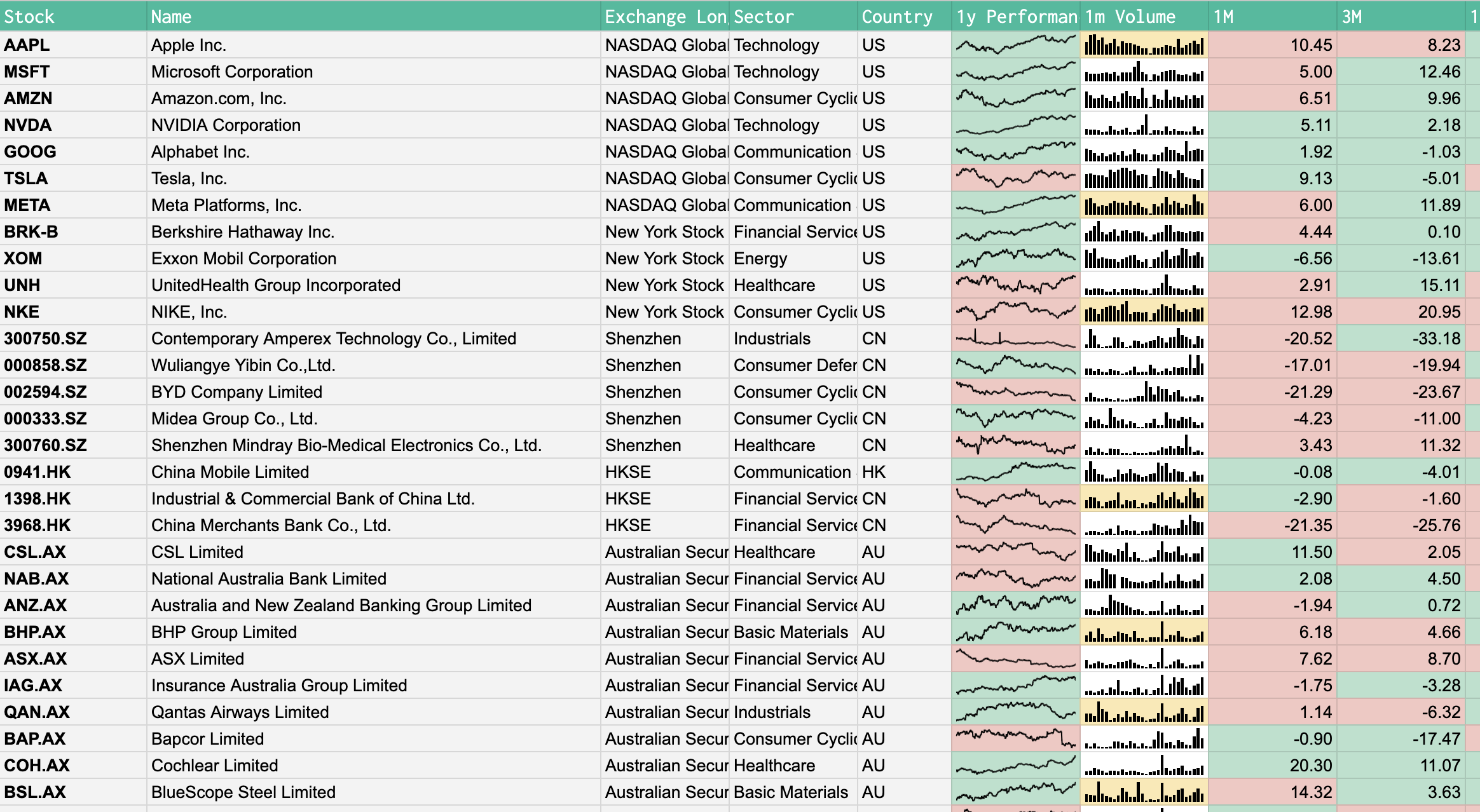
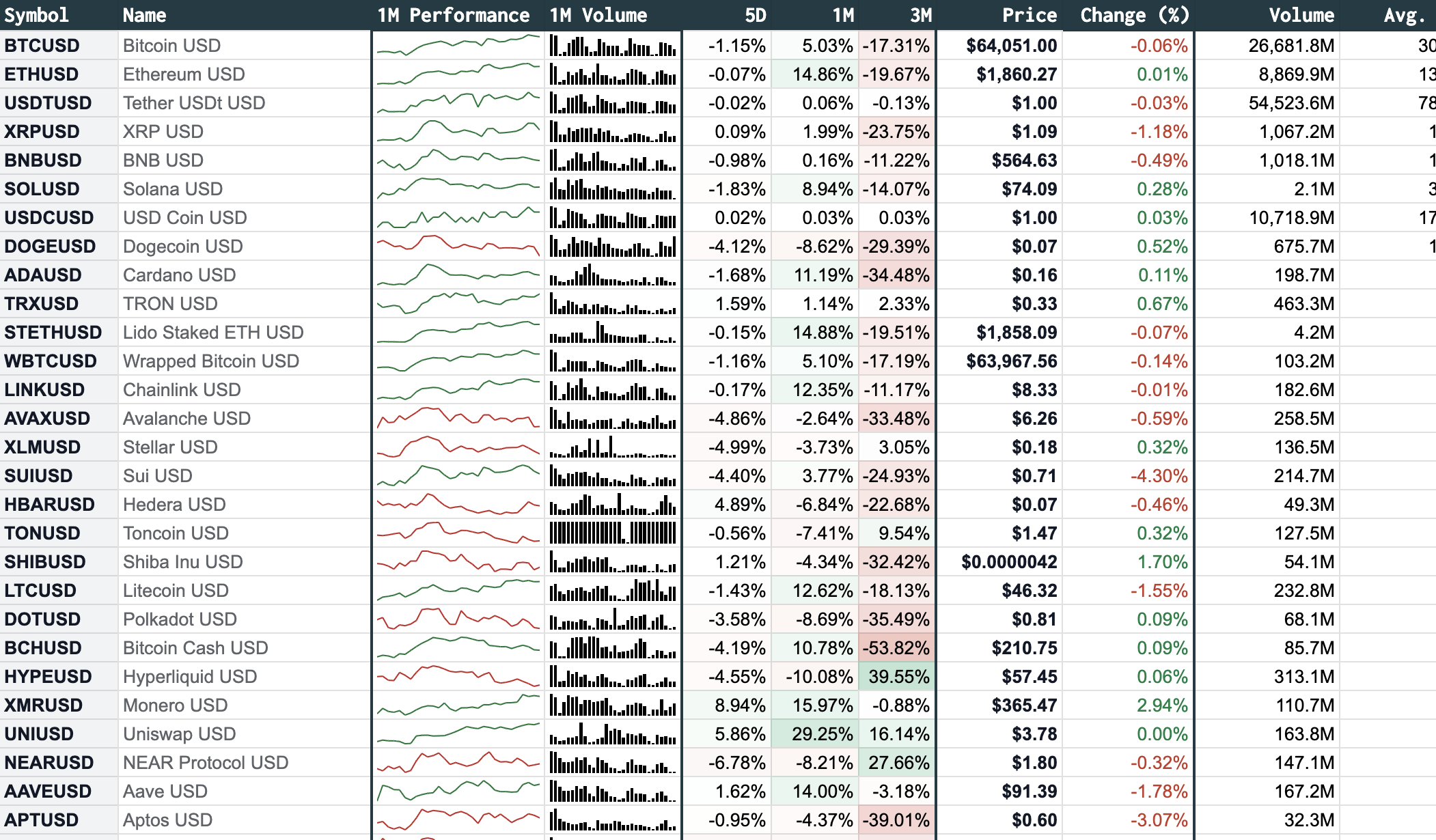
The sortable watchlist is an extension of the Expanded Global Watchlist v1 which allows you to run native Google Sheets filtering on the data so you can sort the watchlist by any of the displayed metrics. For example, you may want to sort by daily change to see the biggest movers and so on. To achieve this the Sortable Watchlist loads the raw data on one sheet using a Batch Real-time function and then displays the sorted data on the first sheet.

SheetsFinance

1207
Google SheetsExcel

SF Growth Analysis and MOS Valuation Template

sheetsfinancegrowthvaluation

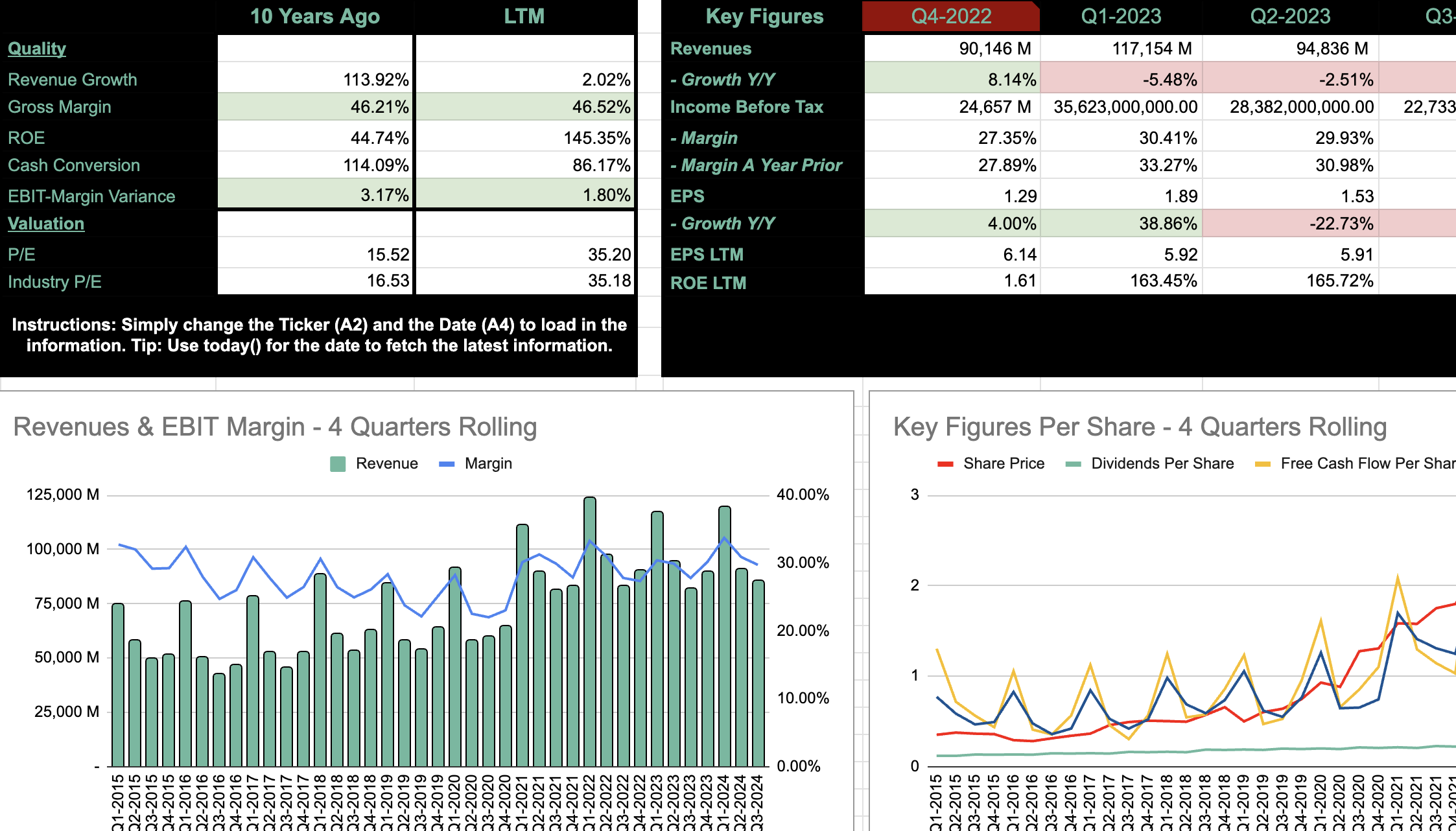
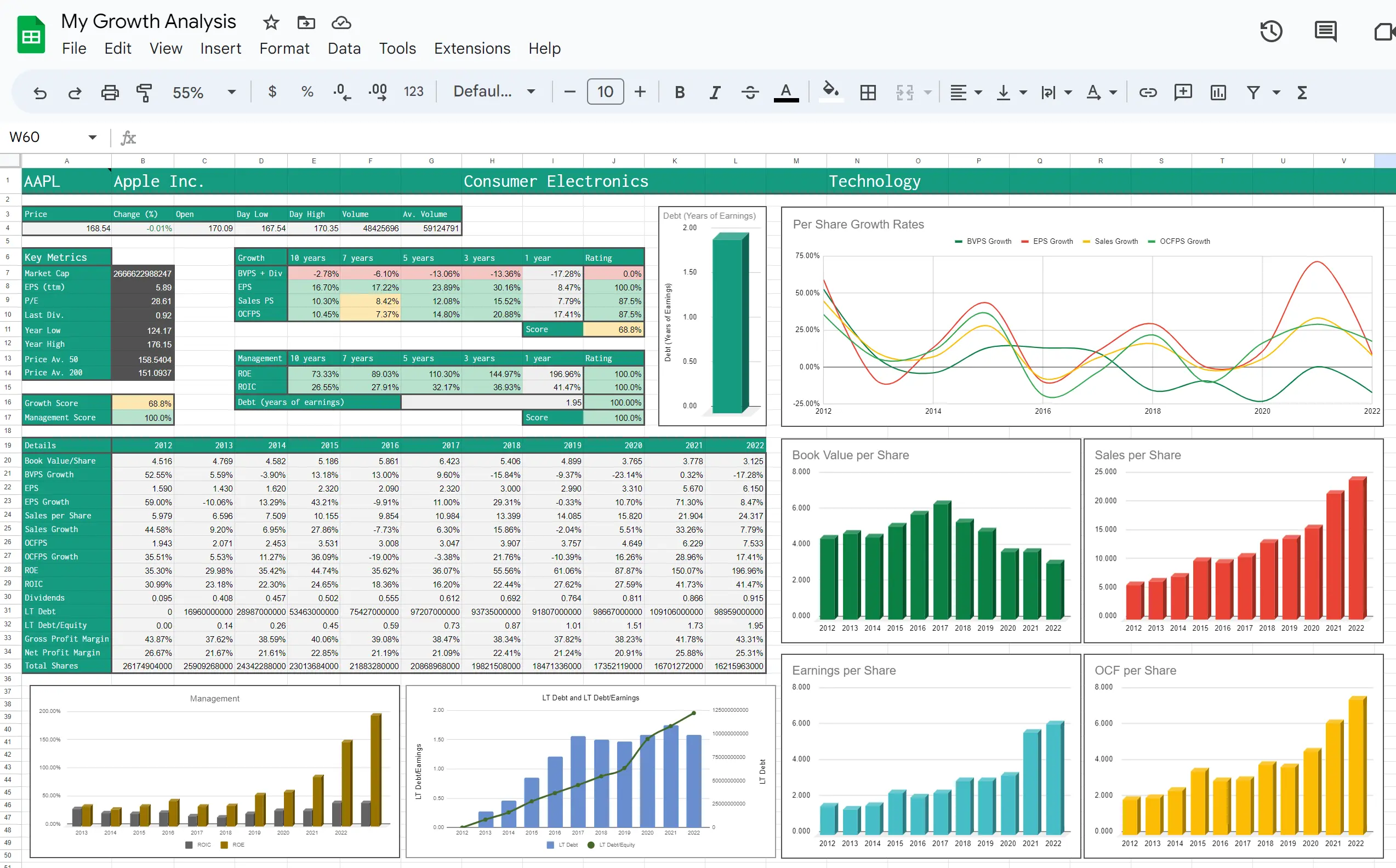
The growth analysis template is a 10-year snapshot of a company's performance with a particular focus on 4 key growth rates: book value per share (BVPS), earnings per share (EPS), sales per share (SPS) and operating cash flow per share (OCFPS). This template is in a dashboard format and only requires changing the company ticker code in cell A1 for the whole sheet to reload with information about the new company. This template can be used for developing a fundamental analysis of a company's historical performance taken directly from their reported financials. The Margin of Safety (MOS) valuation template builds off the growth analysis template (Sheet 1) and conducts an automatic valuation of the company you're currently viewing. The valuation utilises the growth rates calculated in the growth analysis and forecasts the estimated growth in a company's value over a specified number of years. Based on the estimated future value of the company, the valuation calculates the buy price required to generate the selected yearly return (MAAR %). The MOS valuation applies a user specified margin of safety to the calculated buy price.

SheetsFinance