Expiration Dates
🚨 Important:SF_OPTIONS_PRO() requires an active Options subscription. If you don't have an active subscription, upgrade on our Pricing page.
Use the "expirationDates"dataType to return the currently available expiration dates for an underlying as a simple list. This is often the best starting point before pulling chains, surfaces, or contract-level data for a specific expiry. If you provide a tradeDate, you can also return the expiration dates that were available on a historical date.
For a complete function overview, parameter guide, and dataset map, see Options.
=SF_OPTIONS_PRO(symbol, "expirationDates", "", "", tradeDate)symbolis the underlying ticker symbol, for example"AAPL".dataTypemust be"expirationDates".tradeDateis optional and returns the expiration date list available on that historical date when supplied.
No additional metrics are required for this function. SF_OPTIONS_PRO() will simply return the available expiration dates as a vertical list.
💡 Pro Tips:
Expiration dates are returned with no header row by default, the
"NH"option has no effect.Expiration dates can be fed directly into other functions such as
SF_OPTIONS_PRO()for chains, contracts, or surfaces. See the Examples section below for a demonstration.Add a
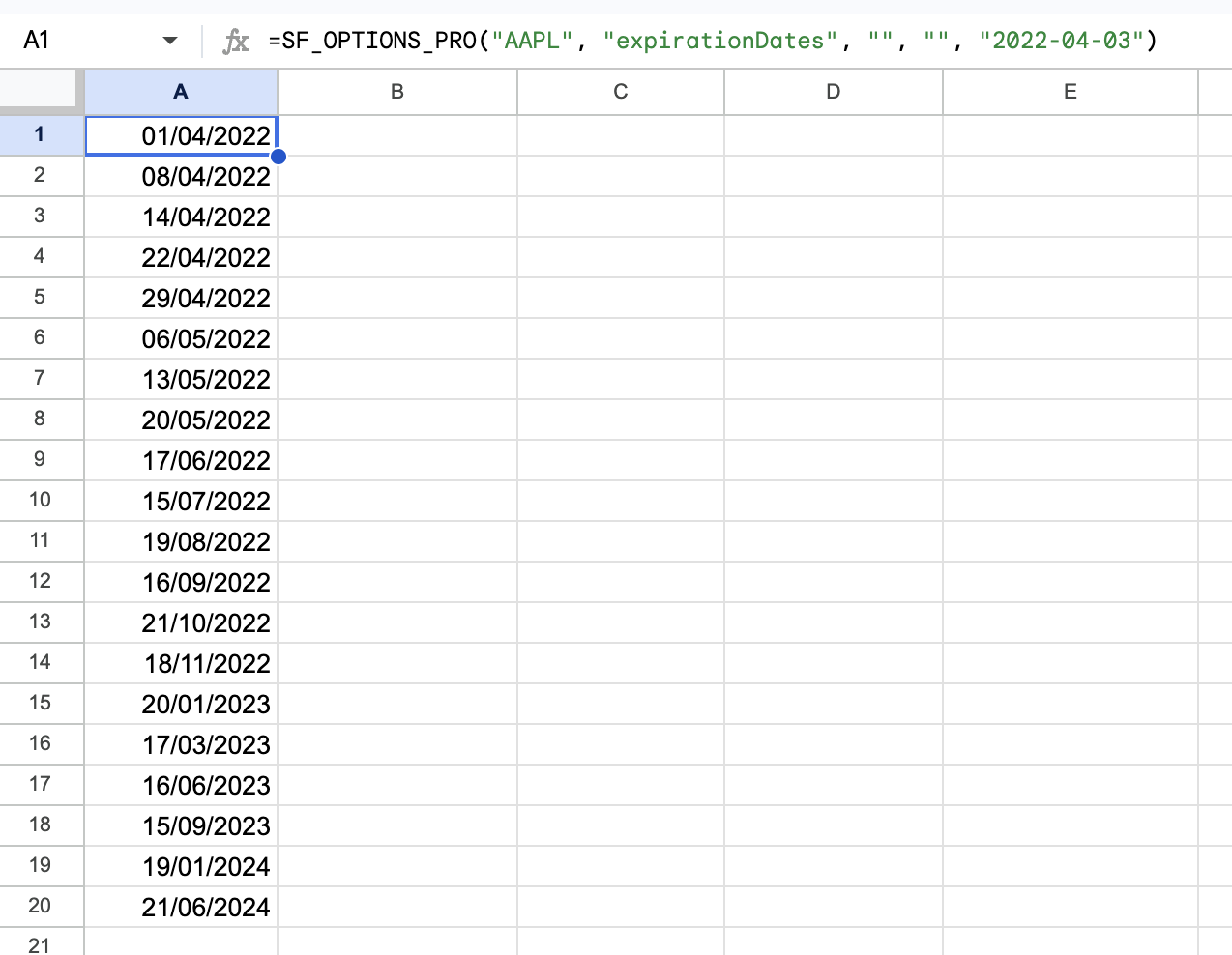
tradeDateto inspect historical expiration calendars, for example=SF_OPTIONS_PRO("AAPL", "expirationDates", "", "", "2022-04-03").
Parameters
Symbol (symbol)
Use the underlying ticker symbol you want to inspect, for example "AAPL". This page returns the currently available expiration dates for that underlying, or the historical expiration list if you also provide a tradeDate.
Data Type (dataType)
Use "expirationDates" to return the current expiry list as a simple vertical output. This is the best starting point when you want to discover available expiries before using them in Chains & Contracts, Historical Chains, or Surface. When combined with tradeDate, it returns the expiries that were available on that historical date.
Trade Date (tradeDate)
tradeDate is optional for "expirationDates". When supplied, SheetsFinance returns the expiration dates that were available on that historical date instead of the current list. Use YYYY-MM-DD format, an Excel date serial, or a Google Sheets date formatted cell.
Examples
Example 1 - List current available expiries
=SF_OPTIONS_PRO("AAPL", "expirationDates")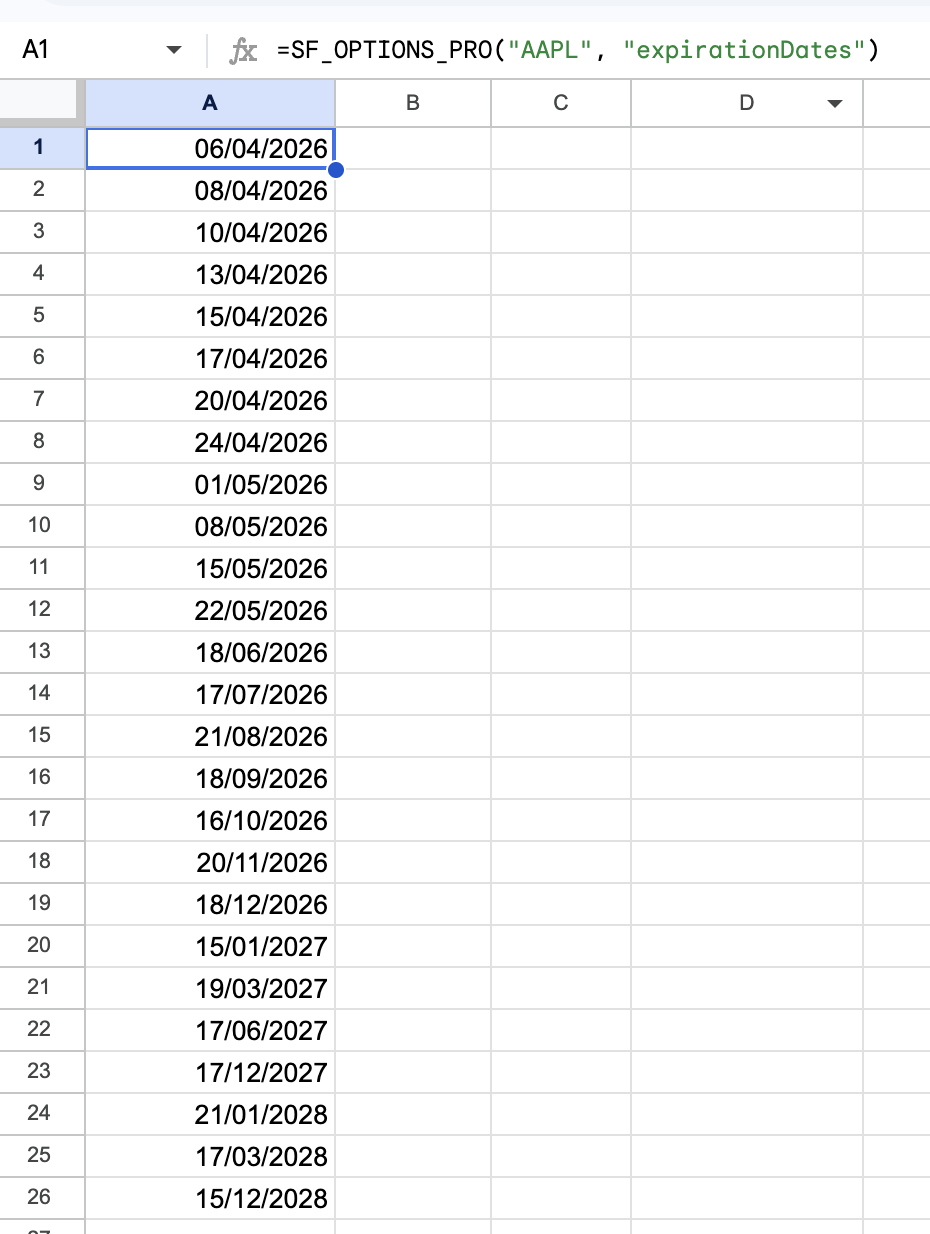
Example 2 - Use the returned expiry in a chain request
=SF_OPTIONS_PRO("AAPL", "calls&puts", $A$2)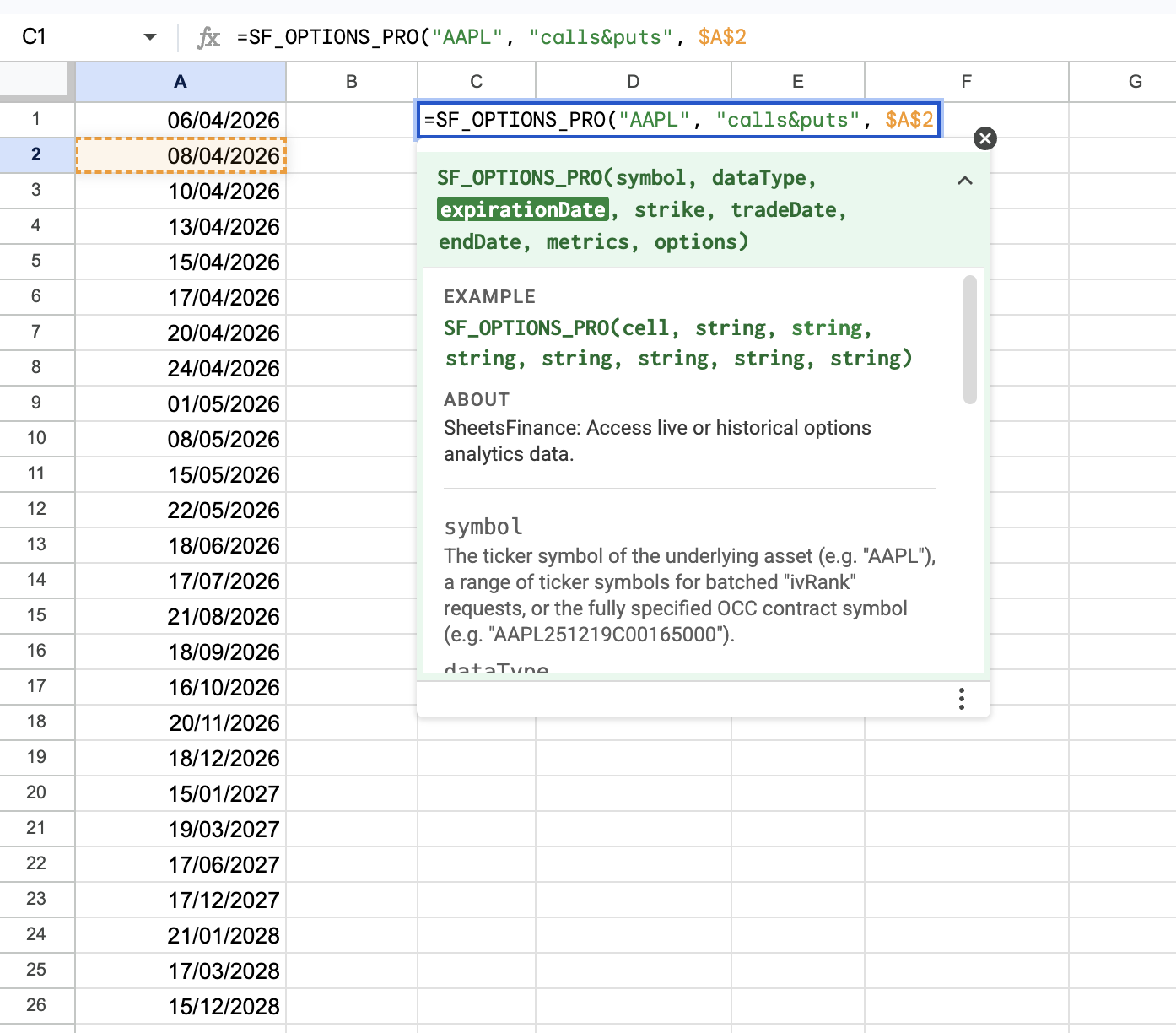
Example 3 - List historical available expiries using tradeDate
=SF_OPTIONS_PRO("AAPL", "expirationDates", "", "", "2022-04-03")Use this when you want to inspect which expirations were listed for an underlying on a past trading date before requesting a historical chain or time-series.