Insider Transactions
🇺🇸 Important: Insider Transactions data is only available for US Markets.
The insiders data type returns the insider trading transaction for the specified company. The data comes as reported by the SEC and includes all the detail required to understand how insiders are trading the stock. This data is currently only available for US companies.
=SF(symbol, "insiders", metrics, year, options)symbolis the ticker symbol of the financial asset (e.g.,"AAPL"). You can use our Symbol Search to find the correct ticker symbol.metricsselects what metrics to display (see options below), display all metrics by leaving blank or using"all". Chain together as many metrics as you'd like using&, e.g.,"transactionDate&reportingName&transactionType&price".yearis year or range of years for which you want to retrieve the data. You can enter a single year (e.g.2024) or a range of years (e.g.2022-2024). Defaults to the most recent year if not specified.optionsadjusts the formatting of the output. Available options include:"NH"for no header rows and"-"for reversing the output. You can chain together as many options as you'd like using&, e.g.,"NH&-".
The Insider Trading metrics options are:
All (
"all")Transaction Date (
"transactionDate")Reporting Name (
"reportingName")Type of Owner (
"typeOfOwner")Securities Owned (
"securitiesOwned")Security Name (
"securityName")Transaction Type (
"transactionType")Price (
"price")Acquisition or Disposition (
"acquisitionOrDisposition")Direct or Indirect (
"directOrIndirect")Securities Transacted (
"securitiesTransacted")Filing Date (
"filingDate")Reporting CIK (
"reportingCik")Company CIK (
"companyCik")Form Type (
"formType")URL (
"url")
Important: insiders data is currently limited to the last 400 transactions.
Examples
Example 1 - Display the most recent year's insider trading transactions
=SF("AAPL", "insiders")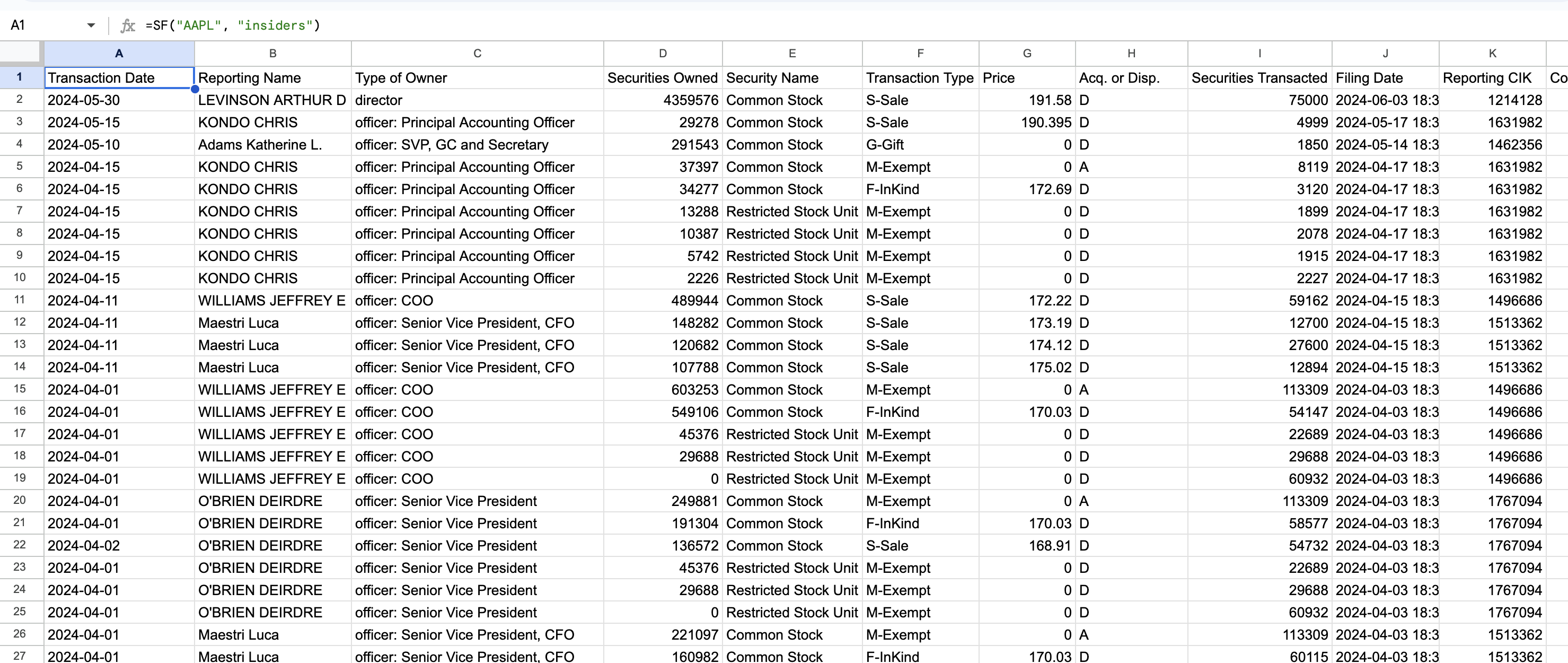
Example 2 - Display several selected metrics, specific year
=SF("AAPL", "insiders", "transactionDate&reportingName&transactionType&price", "2022")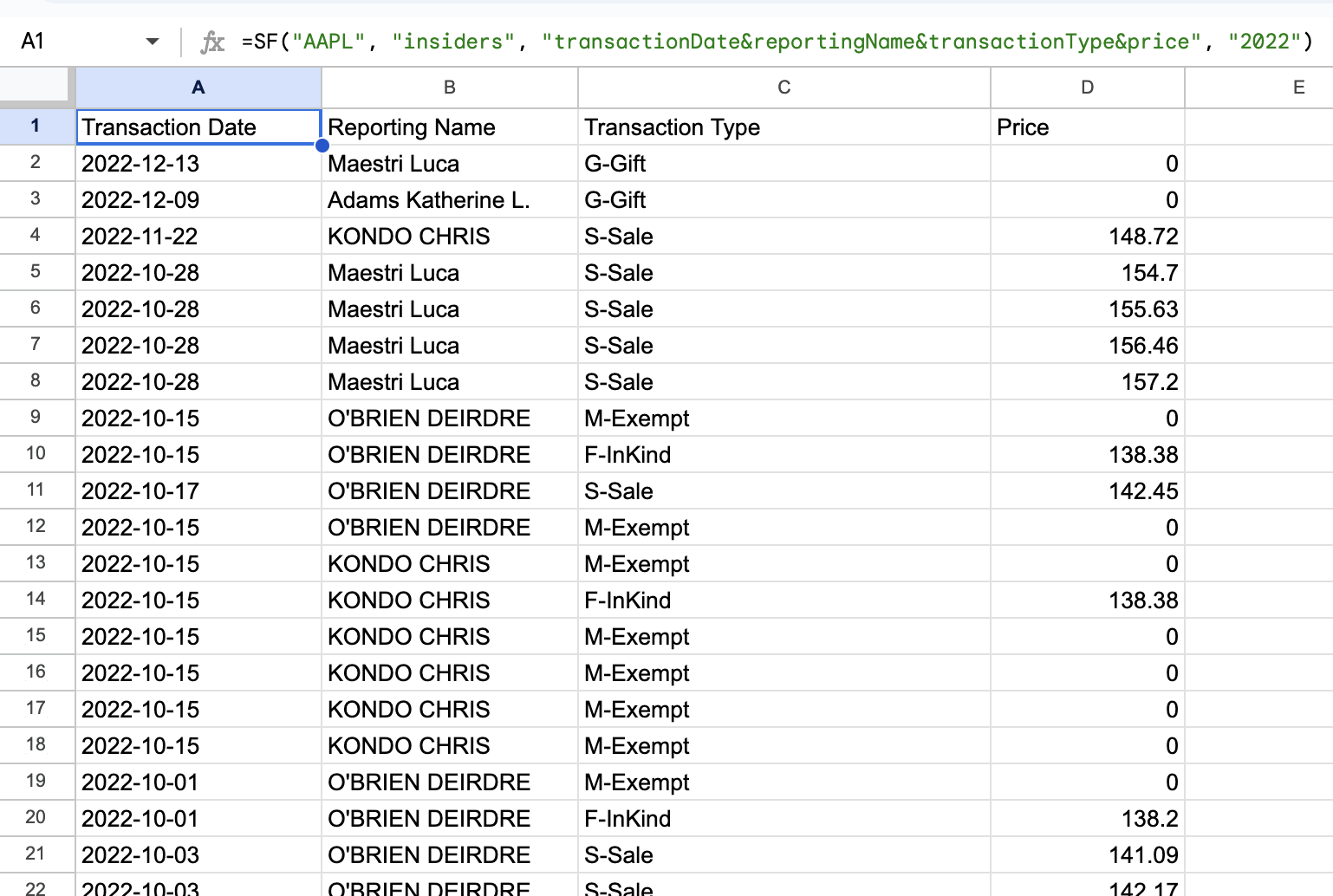
Example 3 - Display all metrics, specific year
=SF("AAPL", "insiders", "all", "2022")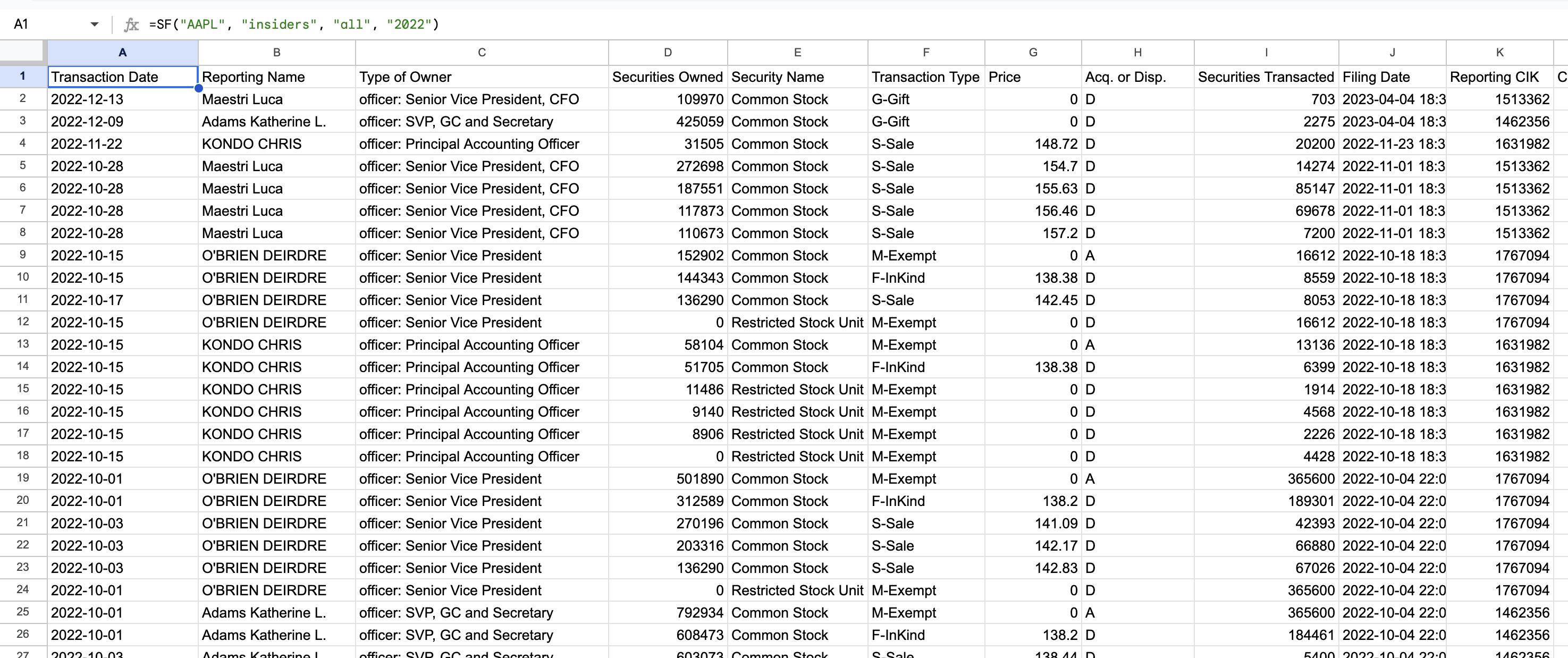
Example 4 - Display all metrics for a range of years with options selected (no header and reversed)
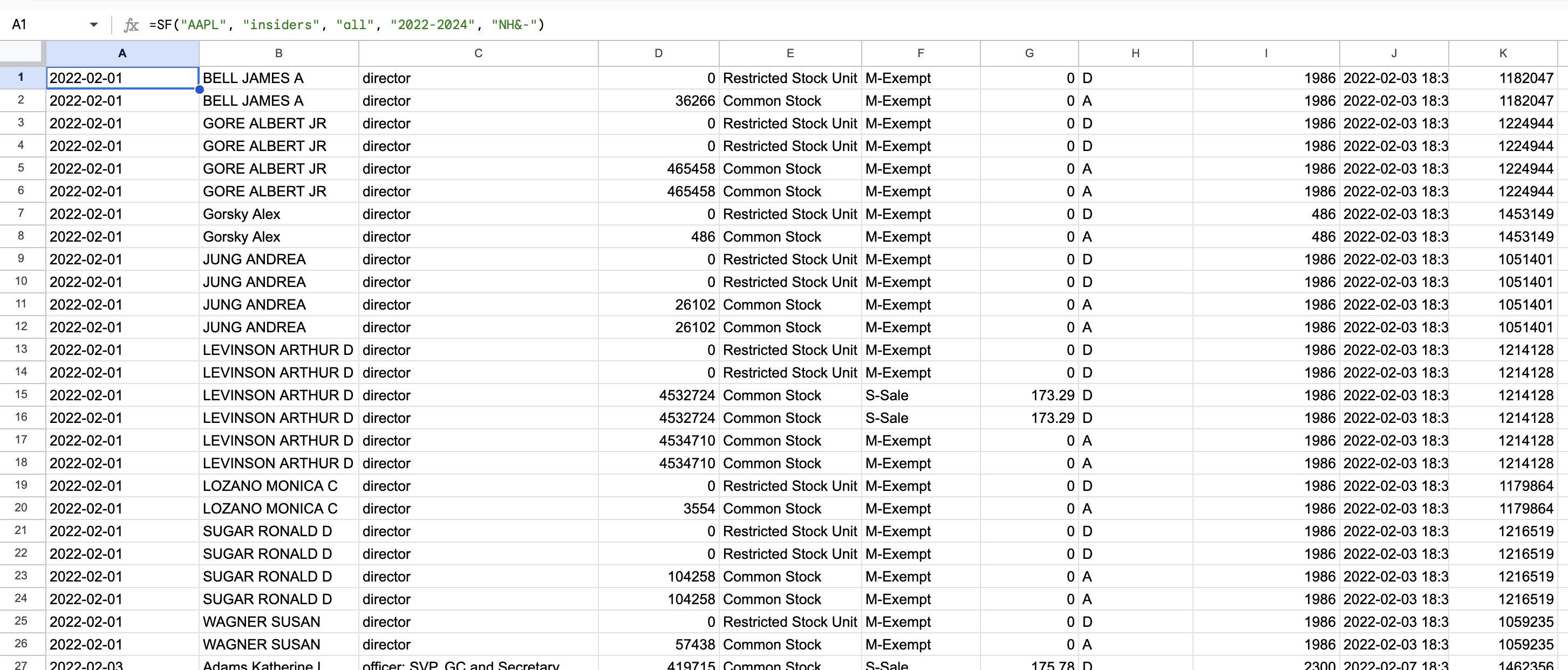
=SF("AAPL", "insiders", "all", "2022-2024", "NH&-")