Symbol Search
Go straight to the Web-based Symbol Search: Click here
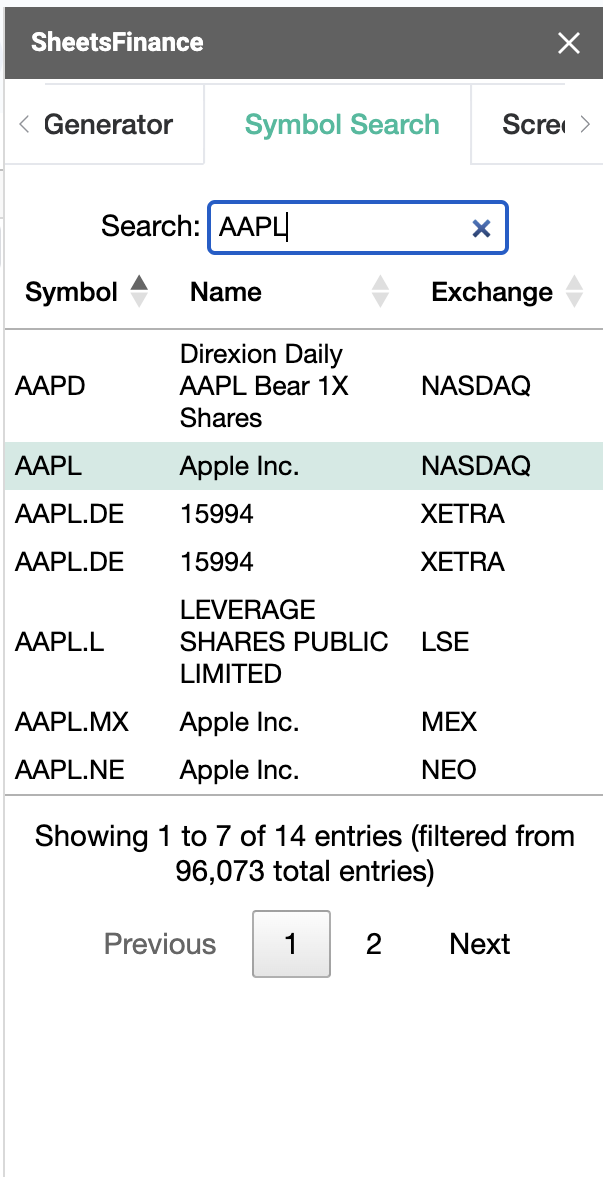
SheetsFinance connects you with over 80,000 global stocks, ETFs, FOREX rates, Mutual Funds Bonds, Indicies, Crytocurrencies and more... All of our data is accessed by entering the correct ticker code. You can search for the correct codes using our online Symbol Search. The Symbol Search can also be access from within Google Sheets. Just open it from the Extensions dropdown menu (Extensions > SheetsFinance > Symbol Search).
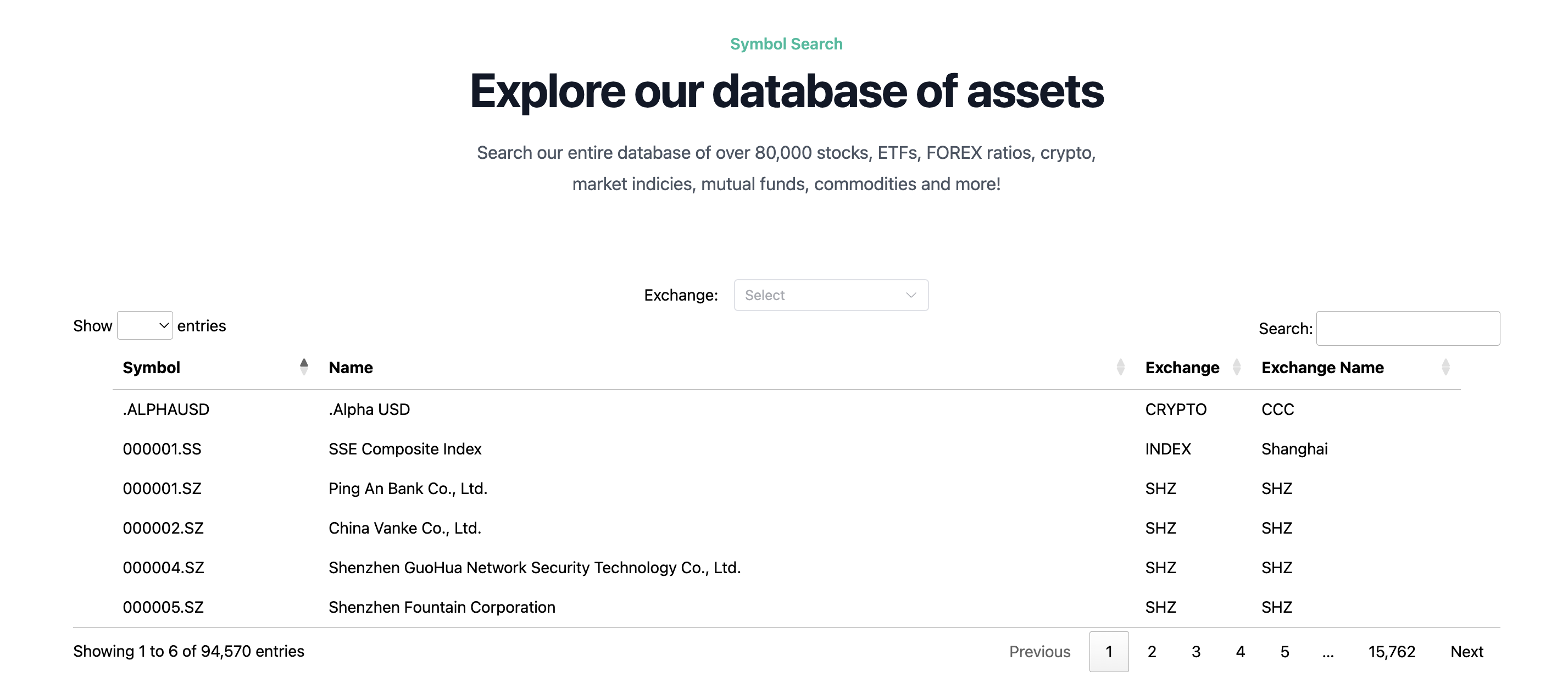
IMPORTANT: All cryptocurrency coins will have the exchange CRYPTO. All FOREX rates will have the exchange FOREX. All indices will have the exchange INDEX.
Using the Symbol Search (Web)
Searching through the database is simple. You can type directly into the search box (located top-right) or filter by the exchange you're after using the exchange filter at the top of the table.
Using the Symbol Search (Google Sheets)
You can open the Symbol Search within Google Sheets as a sidebar. This allows you to search through the database and work on your spreadsheeting at the same time. When using this version of the Symbol Search, selecting items in the table will automatically put the stock code into the Function Generator for you.